Arbitrary commands
bash, zsh, vim, htop, python, node, lazygit, claude, and codex run as normal PTYs.
Universal terminal handoff
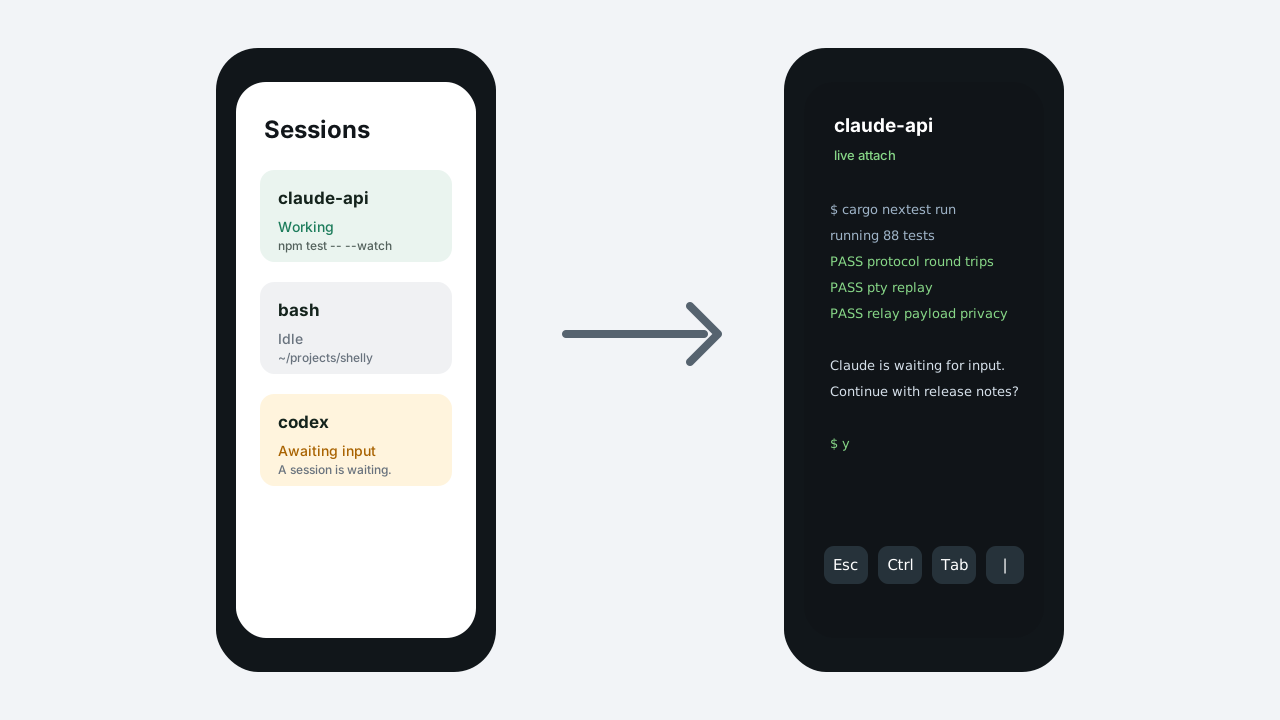
Run any CLI on your computer, leave the desk, and attach to that same live PTY session from Android. Shells, TUIs, REPLs, Claude Code, and Codex all keep their state in one daemon-owned session.
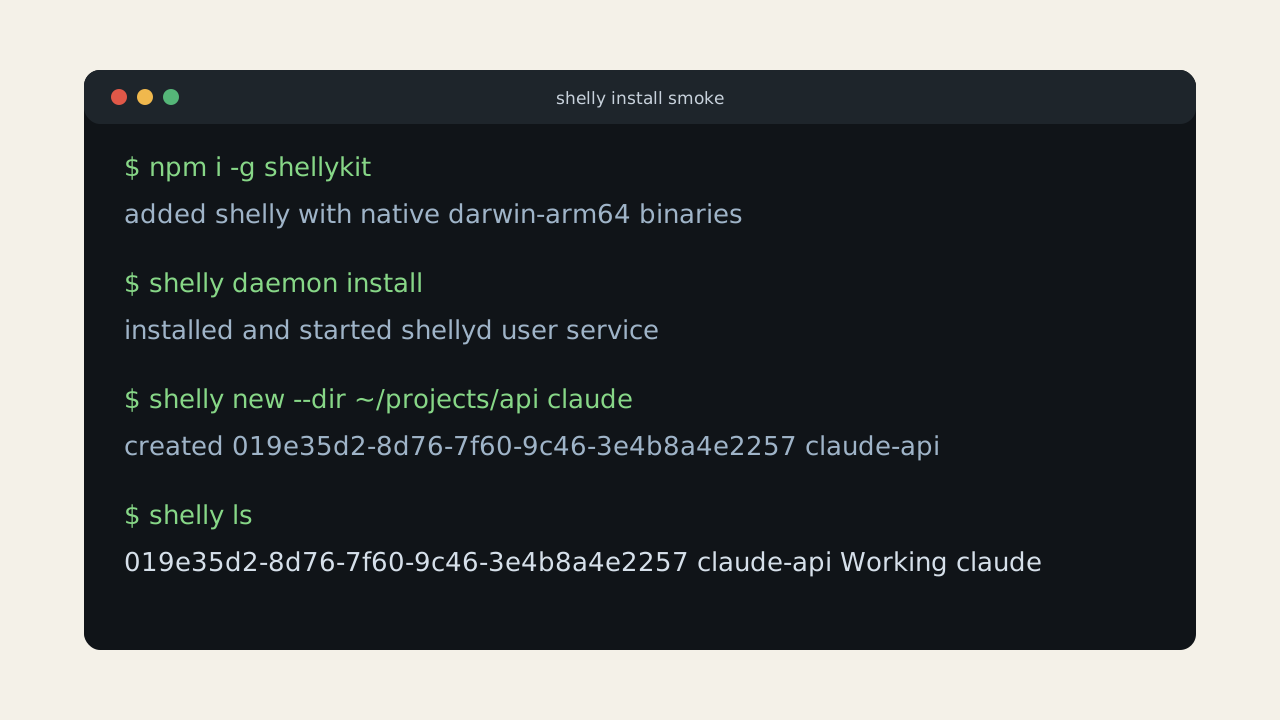
$ shelly new --dir ~/projects/api claude
created 018f1e...  claude · api

$ shelly ls
SESSION                         STATUS
claude · api                    Working
bash · shelly                   Idle
vim · docs                      Attached

phone attached over iroh
Claude is waiting for input.
Continue with the release notes?

$ yWhat ships in v1
bash, zsh, vim, htop, python, node, lazygit, claude, and codex run as normal PTYs.
Clients replay from a byte offset when possible and fall back to a synthetic ANSI snapshot when stale.
Claude Code and Codex get first-class waiting-for-input state; unknown CLIs still hand off cleanly.
Flow
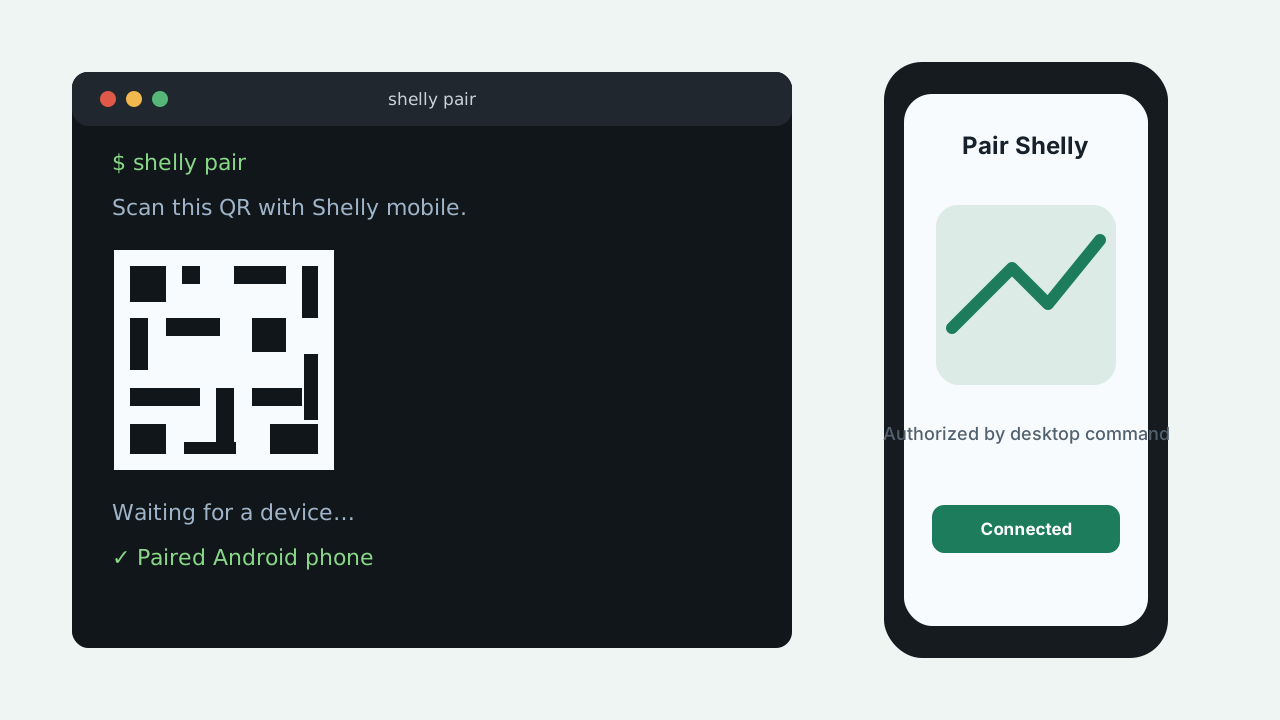
shelly, then start the user daemon.shelly pair, scan the QR code, and approve the device on your computer.Product surfaces
These source-controlled captures mirror the v1 flows used in local smoke tests and release documentation.